Indoor LED Panel Standards and Future Display Trends
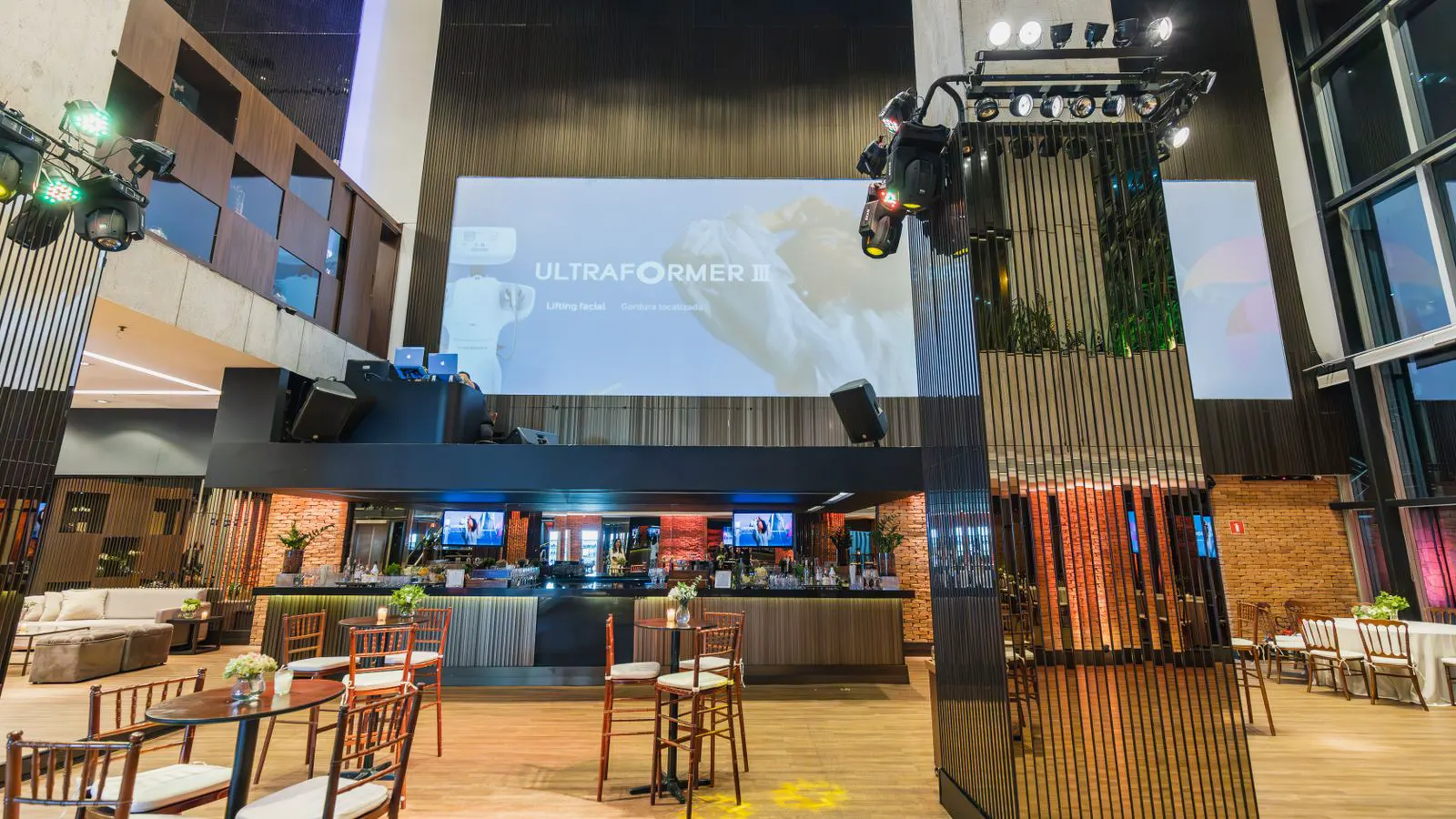
Indoor LED procurement is shifting toward higher resolution, better heat management, and standardized data interfaces. Buyers should plan for micro LED integration, improved luminance control, and longer-term software compatibility to avoid early obsolescence.
- Panel pitch is moving down, but buyers must verify viewing distance and content type before choosing the smallest available size.
- Heat management and power draw are becoming major procurement factors as pixel density increases in fixed indoor installations.
- Standardized data interfaces and longer software support are reducing integration risk and simplifying future content updates.
- Micro LED is entering fixed indoor projects, but buyers should treat it as a premium option with specific use cases rather than a default replacement.
- Procurement documents should now include thermal specs, refresh rate testing, and warranty terms for pixel replacement.
Where Indoor LED Selection Is Heading
Indoor LED selection is moving away from simple pixel pitch comparisons. Buyers now evaluate heat behavior, data interfaces, and content longevity alongside image clarity. The gap between retail displays, corporate lobbies, and control rooms is narrowing as panel manufacturers tighten specifications.
This shift affects how projects are scoped. A display that works well for a retail queue now needs to handle corporate video calls, signage, and promotional loops. The panel must stay stable under mixed content loads.
The core question for procurement teams is no longer just how small the pixels are. It is whether the system will remain serviceable and visually consistent over five to ten years.
How Resolution Is Changing Fixed Indoor Installations
Fixed indoor LED screens are moving toward higher effective resolution without always reducing physical pixel pitch. Some systems use larger panels with finer internal pixel structures. Others use multiple smaller subpixels to improve color consistency.
This matters for content that includes text, maps, and data visualizations. Small text becomes harder to read when pixels are too large or too dense for the viewing distance. Retail environments often sit in a middle range where clarity and cost balance out. Corporate and medical environments push toward finer structures because content is viewed closer.
Buyers should not assume the smallest pitch always improves the image. At close range, a slightly larger pixel with better uniformity can outperform a very small pixel with visible moiré patterns.
The practical check is to view the intended content on a sample panel at the actual planned viewing distance. If the display sits behind glass, add a factor for reflections and glare. If it is in a high-traffic zone, test the display at angles.
| Use Case | Typical View Distance | Practical Pixel Consideration |
|---|---|---|
| Retail queue screens | 2 to 4 meters | Fine enough for small text without overpaying for density |
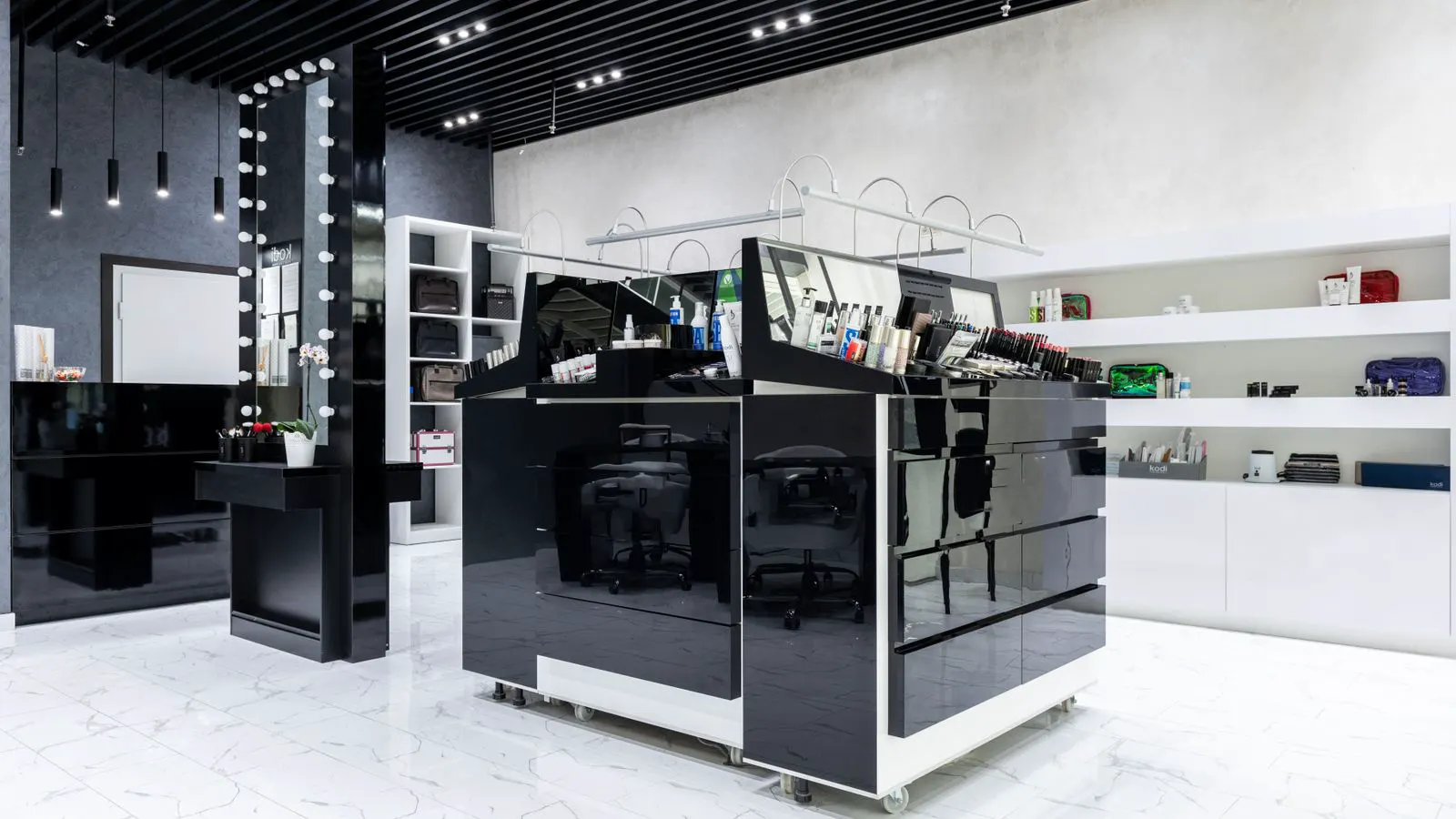
| Lobby and corridor walls | 3 to 6 meters | Balanced pitch for signage and video |
| Control room monitoring | 1.5 to 3 meters | Higher resolution for text and data overlays |
| Medical and education | 1 to 3 meters | High clarity for diagrams and small labels |
| Trade show fixed installations | 2 to 5 meters | Durable pitch with strong contrast |
The table is a planning aid, not a rule. Every installation has different content. A lobby screen showing short video loops can use a coarser pitch than a screen showing maps.
Heat Management Is Becoming a Procurement Factor
As pixel density rises, the power drawn per square meter increases. This creates heat inside the cabinet. Fixed indoor installations often sit in enclosed spaces with limited airflow.
The result is that a panel that looks fine in a demo room may degrade faster in a low-ventilation corridor. Buyers should now ask for thermal specifications, not just luminance numbers.
Practical questions include:
- What is the maximum operating temperature inside the cabinet?
- Is there active cooling, and what is the noise level?
- How does the system handle sustained full-white content?
- What is the expected life of the LED emitters under continuous use?
- Can the system reduce power automatically when content does not require full brightness?
A display that runs hot will need more frequent maintenance. It may also need a larger power margin. In some cases, it will need a different mounting structure to allow airflow.
The cost impact is not just the panel. It includes HVAC capacity, cabinet design, and service access.
Data Interfaces Are Standardizing
Older indoor LED installations relied on proprietary data cables and controller setups. That made upgrades difficult. If the content source changed, the display controller often had to be replaced.
Current systems are moving toward standard video interfaces and network-based content delivery. This reduces integration risk. It also makes it easier to update content without replacing hardware.
Buyers should confirm that the display controller supports common video formats and can receive content over a standard network. If the project uses a third-party content player, the controller must accept that signal cleanly.
A simple check is to ask for a signal chain diagram. The diagram should show the content source, the controller, the display panels, and the power distribution. If the diagram is vague, ask for a sample test file played through the proposed stack.
This matters for future upgrades. If the display can accept new content players or new operating systems, it remains useful longer.
Micro LED Is Entering Fixed Indoor Projects
Micro LED is moving into fixed indoor installations, but it is not yet a default replacement for standard LED. It is best suited for specific use cases where image quality, low maintenance, and long-term stability justify the cost.
The main advantages are better contrast, lower heat generation, and longer emitter life. The main trade-offs are higher cost and a narrower selection of panel sizes.
Buyers should treat micro LED as a premium option. It fits well in high-visibility lobbies, control rooms, and retail flagship stores. It is less attractive for large perimeter installations where cost per square meter is the primary constraint.
The practical question is whether the project can justify the premium. If the display will run for ten years and maintenance access is difficult, the longer life may offset the higher upfront cost. If the display is in a temporary trade show, the premium is hard to justify.
A useful rule is to compare the total cost of ownership, not just the panel price. Factor in power, heat, replacement cycles, and content updates.
What to Put in the Procurement Document
The procurement document should now include thermal specs, refresh rate testing, and warranty terms for pixel replacement. These items were often missing from older specifications.
The document should also define the content type. A display for video loops needs different handling than a display for data dashboards. The refresh rate and color accuracy matter more for data content.
The document should name the signal interface. It should not just say “HDMI” or “SDI.” It should specify the resolution, frame rate, and whether the controller supports scaling.
The warranty section should cover pixel replacement. It should state how many replacements are covered and what happens if a panel fails outside the warranty.
The document should also include a sample panel test. The buyer should see the actual content on the actual panel before finalizing the project.
How to Prepare for Future Indoor LED Projects
Buyers should prepare by treating the display as a long-term asset, not a one-time purchase. The panel should be selected to support the content that will exist in three to five years, not just the content that exists today.
The first step is to define the viewing environment. Measure the space, note the lighting, and identify the primary viewing distance. Then select a pixel pitch that fits that distance.
The second step is to check the thermal and power requirements. Ask for the heat output and power consumption per square meter. Confirm that the installation space can handle it.
The third step is to confirm the data interface. Make sure the controller supports the content source and can be updated without replacing the hardware.
The fourth step is to plan for maintenance. Ask how many panels are in the system, how they are mounted, and how quickly a failed panel can be replaced.
The fifth step is to compare total cost of ownership. A cheaper panel that runs hot and needs frequent service may cost more over ten years than a more expensive panel that stays stable.
The goal is to avoid early obsolescence. The display should remain useful as content changes, not as a fixed artifact of the project date.
Frequently asked questions
Should I always choose the smallest pixel pitch for indoor LED screens?
No. The smallest pitch does not always improve the image. At close range, a slightly larger pixel with better uniformity can outperform a very small pixel with visible moiré patterns.
How does heat management affect indoor LED procurement?
Higher pixel density increases power draw and heat. Fixed installations need adequate ventilation and power margin. Buyers should request thermal specs and sustained full-white testing.
What data interfaces should I confirm before purchasing?
Confirm that the controller supports common video formats and can receive content over a standard network. Ask for a signal chain diagram and a sample test file played through the proposed stack.
Is micro LED a good fit for all indoor LED projects?
Micro LED is a premium option best suited for high-visibility lobbies, control rooms, and retail flagship stores. It is less attractive for large perimeter installations where cost per square meter is the primary constraint.
What should the procurement document include for indoor LED displays?
The document should include thermal specs, refresh rate testing, warranty terms for pixel replacement, signal interface details, and a sample panel test. It should also define the content type and viewing distance.